
Keyence's new CG-R could be a game changer for robot vision
Keyence has a new 3D vision system for robot guidance and AI inspection, the CG-R series. It has a six-eye camera with its own near-infrared light, it runs on Keyence's VS-G controllers, and I think it could be a big one.
What is it?
Keyence has put out the catalogue for a brand-new series called CG-R. It's a 3D image processing system for robot vision and AI inspection, and I'm properly excited about this one.
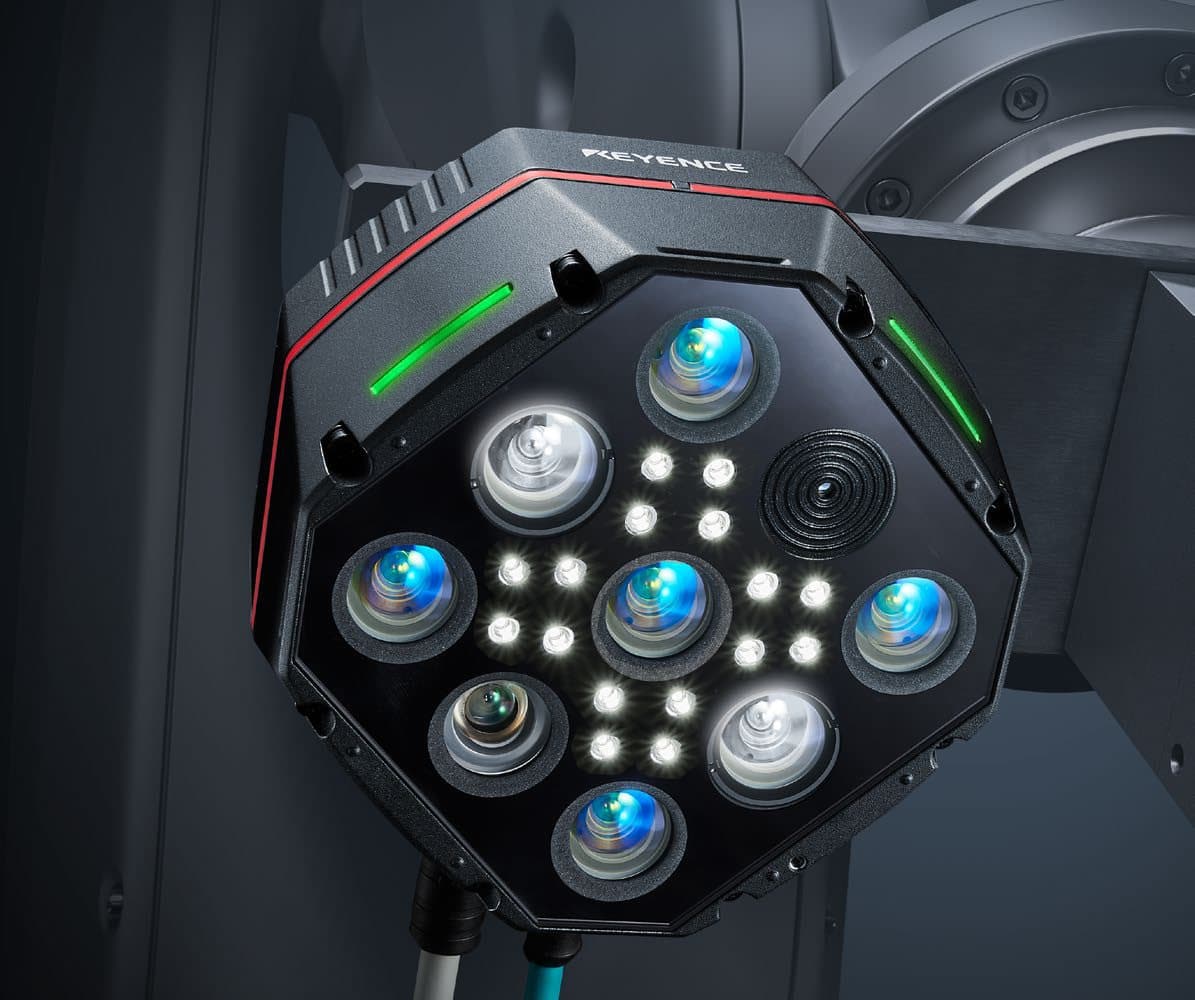
The star is the camera. Keyence calls it the world's first multi-stereo camera with a high-brightness near-infrared (NIR) light source. The line on the cover is "with a six-eye camera, toward zero minor stoppages", which is Keyence's way of saying it wants robot cells to stop stopping.
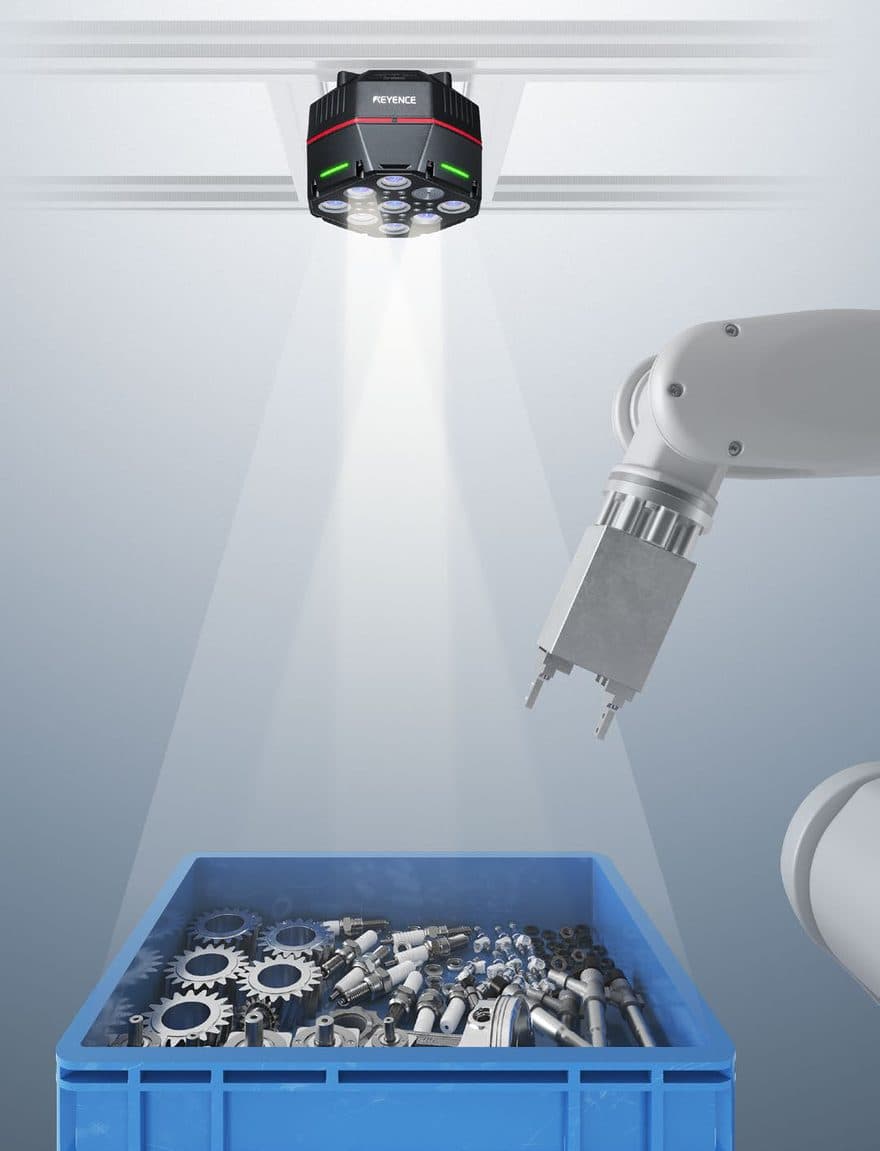
The idea is simple enough. The camera sits over the bin, or on the robot's hand, lights the scene with its own near-infrared light, measures it from several directions at once and gives the robot a clean 3D picture of what's there. On top of that Keyence has added two new search tools, 3D Search and AI Search, and a set-up screen that walks you through it step by step.
Where it fits matters too. The CG-R cameras run on Keyence's VS-G vision controllers (the catalogue lists the VS-G2000, G2200, G2500, G2800 and G2900 as CG-R compatible). You can connect up to four of them and mix them with Keyence's ordinary area cameras on the same controller. As far as I can tell from Keyence's own VS-G page, which talks about area cameras, the CG-R is what brings 3D cameras to that platform.
One thing to know up front: I haven't found a launch date or a price in the catalogue, so I can't tell you when you'll be able to order one.
What's inside the camera
Keyence says four things make it work. They matter because between them they answer most of the usual robot-vision headaches.
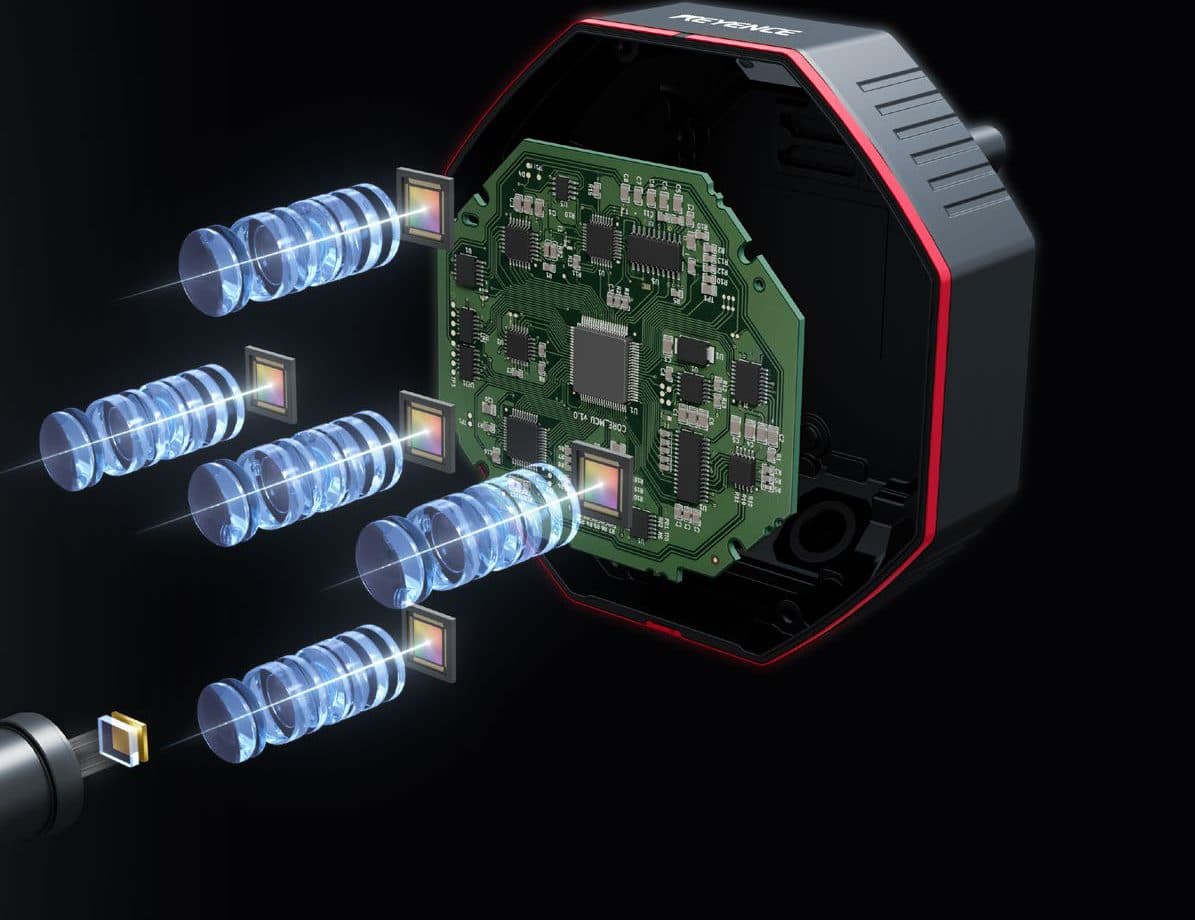
- The multi-stereo camera. Six eyes on the cover, but the detail pages talk about measuring from five directions and merging the results into one image. That's how Keyence says it gets rid of the blind spots you get with a two-eye 3D camera, so a part can lie at almost any angle and still give stable shape data with few gaps.
- The near-infrared light. The camera only sees the reflection of its own NIR light, so changes in the factory lighting don't matter, Keyence says. It's also very bright, which means a short exposure even on dark parts. In its high-output mode Keyence claims shape data 10 to 20 times faster than conventional.
- Two projectors with a dense pattern. The second projector fills in the places where the first one gives a mirror-like reflection, so shiny metal and uneven parts can be measured. You can choose how many projections it uses, from a single-shot, ultra-fast mode to a multi-shot, high-accuracy one.
- Its own 3D processing engine. Building a 3D image from several shots by five cameras takes tens of seconds on an ordinary PC, Keyence says. Its in-house engine does it in under 0.3 seconds.
One small thing I noticed in the pictures. The cover says six eyes, and the face of the camera shows five similar blue lenses, one darker lens and two big white round windows. My guess is five stereo cameras plus a separate 2D camera, with the white ones being the two projectors. That would fit the "3D plus colour" naming of the CD models, but the catalogue doesn't spell it out, so I'd ask Keyence.
Stable, fast and easy
Keyence boils the pitch down to three things: stable detection that doesn't stop the line, fast capture, and easy set-up. Here they are, with Keyence's own pictures.
Stable
Keyence lists what usually causes minor stoppages in a robot cell: parts lying at different angles, a different variant (a black one, say), ambient light, a dirty background and a change of surface finish. Its example of the finish is a gloss change after a supplier change. It also puts a price on a single stoppage, about 20 hours of work and ¥1,000,000 of extra cost to get the line back, find the cause, agree a fix, report it and carry it out. Keyence's aim is to get that to zero.
Ambient light
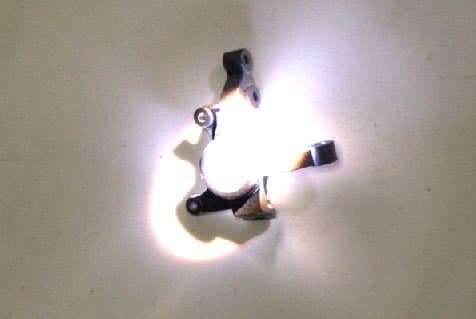
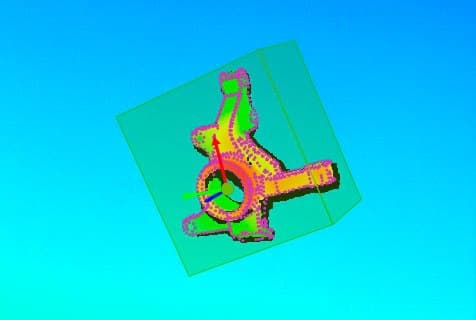
Keyence says ambient light changes how a part looks and can make detection unstable. The CG-R is meant to shrug it off.
Part posture
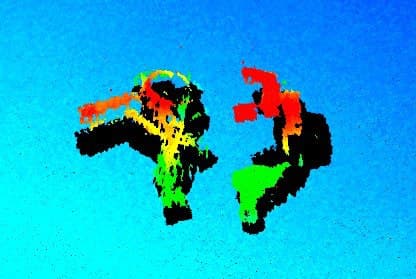
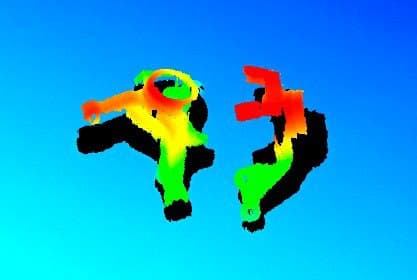
Keyence says a two-eye 3D camera can lose shape data depending on how the part is lying. The CG-R keeps far more of it.
Surface and background
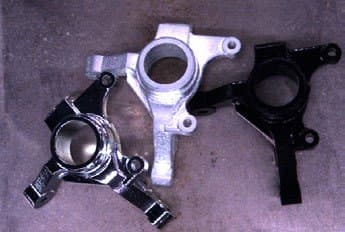
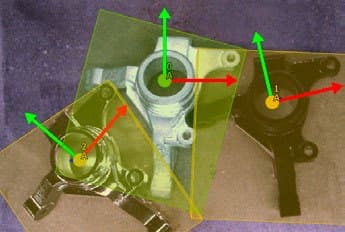
Keyence says gloss, colour and a dirty background change how a part looks to a 2D camera. A 3D image is meant to ignore all that.
Before and after pictures: Keyence.
Fast
Keyence says capture takes as little as 0.1 seconds. Its worked example is a machine with a 10 second cycle where capture drops from 2 seconds to 0.1. Making 5,000 parts a day then takes about 11 hours instead of about 14, which is roughly 20 percent more productive. That example rests on those assumptions, so treat it as an illustration, not a promise.
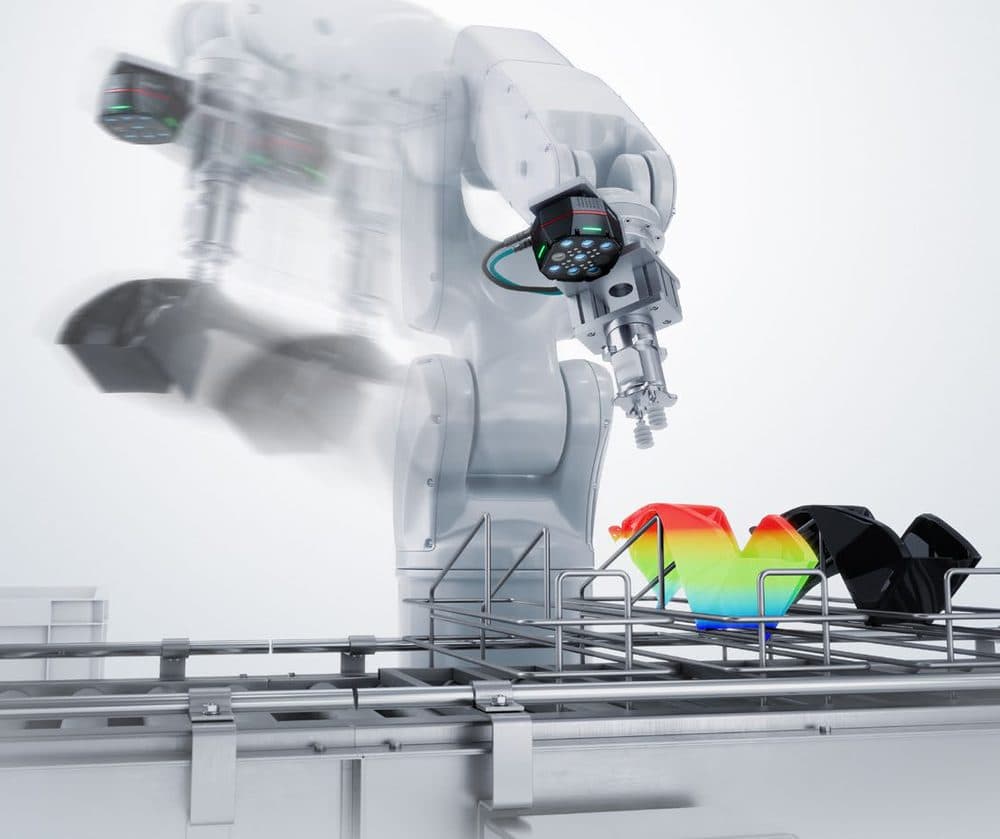
And here are Keyence's capture-time examples, each against what it calls a conventional camera:
Glossy black part
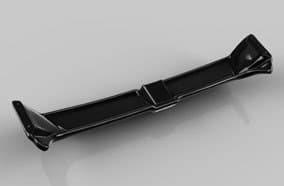
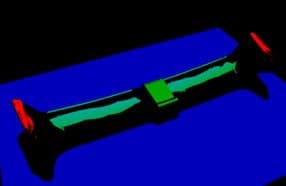
Many invalid pixels, unstable
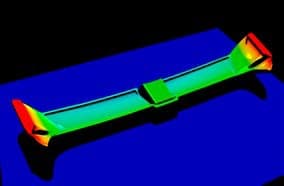
Less noise, a twentieth of the time
Highly glossy metal part
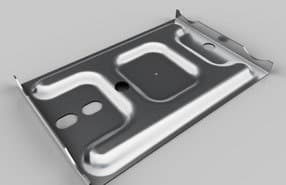
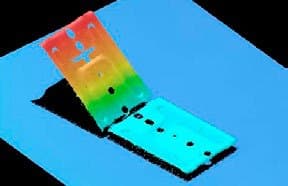
Gloss forced several shots
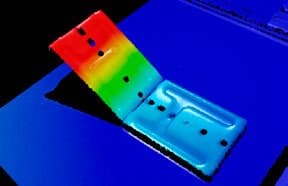
One shot, a tenth of the time
Press parts in a pallet, wide view
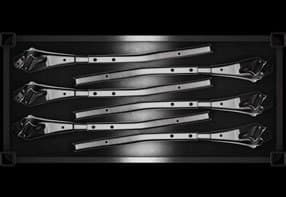
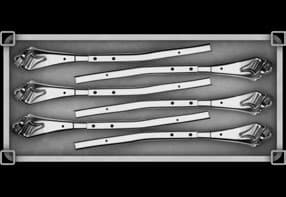
Uneven light needed HDR
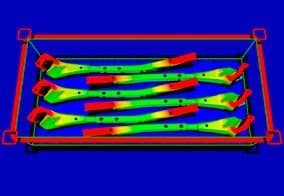
Even light, no HDR
Capture-time pictures and figures: Keyence.
Easy
Keyence says set-up that used to take half a day to several days (installation, image tuning, settings) comes down to 30 minutes to an hour. A few things sit behind that:
- Camera, lens and lighting are one unit, so there's nothing to select, and the many-lens design means no focus adjustment.
- A built-in angle sensor spots the camera drifting out of position and helps you put it back.
- The camera is IP67, with a connector that rotates 90 degrees and a laser pointer to help place things during calibration.
- Auto-tuning sets the capture parameters for the part in one click.
- The software walks you through three steps: calibration, model registration, grip registration.
The five cameras
There are five, so you pick by how big your part is and how far away the camera has to sit. The CG-R300MD is 3D plus monochrome. The other four are 3D plus colour.
| Model | Working distance | Field of view, near | Field of view, far | Z repeatability (σ), near / far |
|---|---|---|---|---|
| CG-R300MD | 260–400 mm | 204 × 222 mm | 358 × 336 mm | 0.04 / 0.09 mm |
| CG-R300CD | 260–400 mm | 212 × 135 mm | 360 × 249 mm | 0.03 / 0.07 mm |
| CG-R700CD | 440–900 mm | 412 × 284 mm | 909 × 655 mm | 0.08 / 0.33 mm |
| CG-R1000CD | 580–1600 mm | 477 × 310 mm | 1584 × 1135 mm | 0.07 / 0.51 mm |
| CG-R1500CD | 950–2400 mm | 730 × 783 mm | 2303 × 1961 mm | 0.14 / 0.85 mm |
Table: Keyence's CG-R catalogue. Field of view is width × depth at the near and far ends of the working distance. Keyence says it measures repeatability on its standard white plate.
Chart: drawn by me from the working distances in Keyence's catalogue.
The same on all five
- IP67, with a magnesium-alloy housing.
- 24 V DC, through an M12 L-coded, 5-pin connector.
- 3D capture as fast as about 0.1 s, with exposure from 50 µs.
- 2D images of 2576 × 1940 pixels, in colour on the four CD models.
What it plugs into
- One of the VS-G controllers. They have no camera ports of their own, so you also need at least one camera input unit (the CA-E100G).
- PLC links over EtherNet/IP, PROFINET, PLC-Link and EtherCAT. Keyence lists an EtherCAT unit (the CA-NEC20E) and a PROFINET unit (the CA-NPN20E) as options.
- Up to four CG-R cameras, which can be mixed with Keyence area cameras.
- Storage for every image, expandable to as much as 4 TB.
Keyence lists these robot makers as supported, and says makers that aren't on the list may work too:
What it's for
Keyence points it at two jobs, and says one system can do both at the same time.
Robot vision
Picking, placing and grip-offset correction, with the camera fixed or on the robot's hand, and up to four cameras. The catalogue's examples include depalletising irregular bags, loading a machine tool, taking door panels out of a rack, picking stacked metal parts (it finds the separator sheet too, and one camera can drive two robots) and battery-pack screw tightening, where 3D takes care of the tilt of the cart.
Two new search tools do the finding:
- 3D Search. You can register a part from CAD data or from a real one, and for a real part you just draw a box round it. Keyence quotes a takt time from 0.2 seconds against 1 second for a conventional 3D camera, and says it can be longer depending on the part and the settings.
- AI Search. Three steps, about a minute, and no annotation. Learn once at one height and it copes with height differences of up to about 1.5 m. Put it together with 3D Search to tell the front of a part from the back when the two look the same in 3D.
Inspection
3D with AI is for defects that show no difference in colour or contrast in a 2D image. Keyence's examples are chips and broken claws, sealant bead width and breaks, pinched harnesses and engraved characters. 2D with AI covers scratches, connector mating and swarf, and the ordinary rule-based tools are still there for numbers such as porosity area or a hole diameter.
It can also look at big things in one go. Keyence says it handles parts of 2 m and more in a single capture, which saves adding drive axes.
Robot vision and inspection can run side by side: telling variants, front and back or orientation apart, checking appearance, and reading text or 1D and 2D codes while it works out the position.
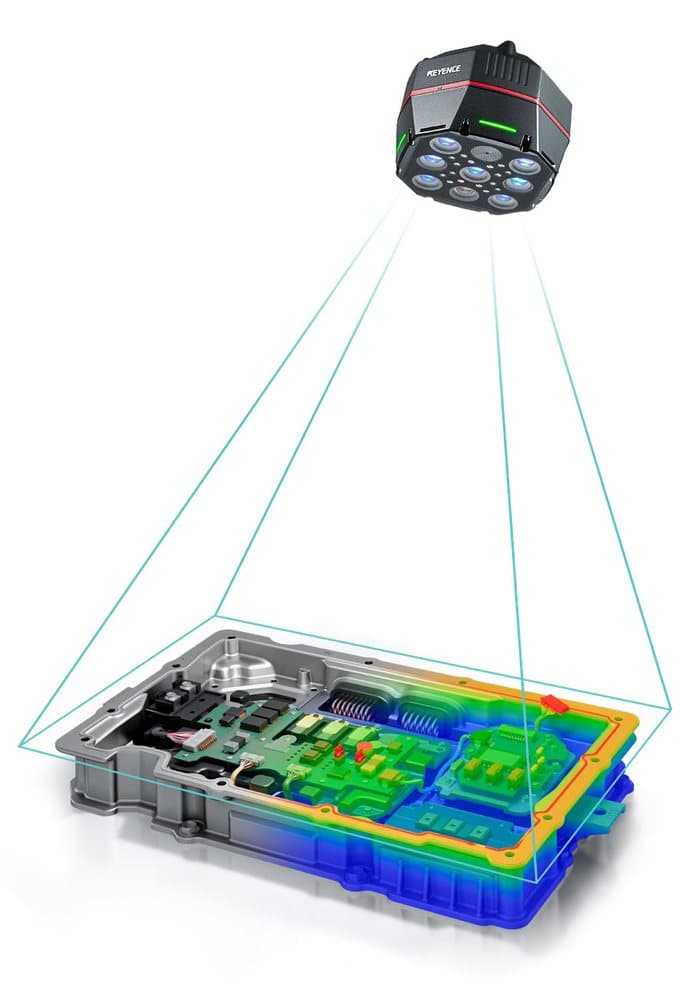
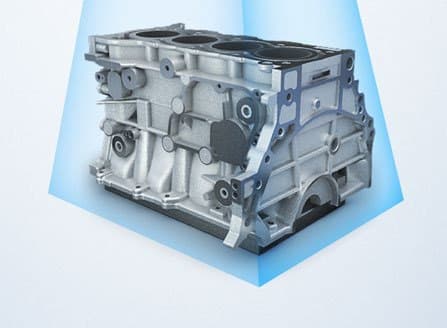
Engine block
600 × 500 mm
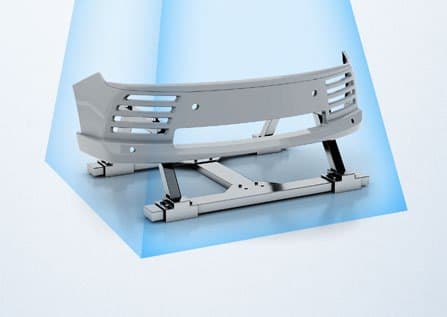
Front bumper
900 × 1600 mm
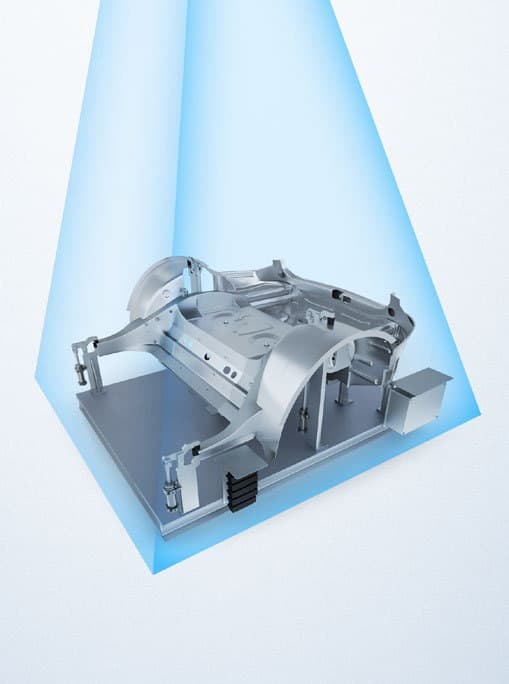
Frame part
1500 × 2200 mm
One more thing from the catalogue: the VS-G controller keeps every image, the good ones as well as the bad. Keyence calls it a world first and says it makes it quick to find out why something went wrong.
What I think
I'll say it plainly: I think this could be a game changer. Robot vision rarely fails on the clever bit. It fails on the boring stuff: a reflection, daylight through a door, a black shiny part, a supplier changing the finish, or two days spent getting the set-up right. The CG-R is built around exactly those. A camera that brings its own near-infrared light, sees from several sides and builds the 3D picture in a fraction of a second goes straight at them.
It also extends the Keyence line-up in a way I like. Keyence already sells 3D robot guidance under its 3D VGR line, so this isn't Keyence's first go at 3D. But as far as I can tell, the CG-R puts 3D robot guidance and AI inspection on the same VS-G platform as its 2D cameras, so one controller could look after the lot. If Keyence delivers, that's a real simplification for a lot of cells.
That said, all of this comes from a catalogue and I haven't seen one run. Before I got carried away I'd check:
- Launch date and price. Neither is in the catalogue.
- Keyence's numbers. The 0.1 second capture, the 30 minute to one hour set-up, the 10 to 20 times faster claim and the 20 percent example are all Keyence's own figures. The last one assumes a 10 second cycle with capture dropping from 2 seconds to 0.1.
- Your robot. If it isn't one of the makers listed (Omron's robots aren't, for example), ask Keyence before you plan around it.
- Which camera. Repeatability gets coarser with distance: the CG-R1500CD is 0.14 mm at its near limit and 0.85 mm at its far one. Keyence also quotes the CG-R1000CD at 0.07 mm on one page and 0.08 mm at 600 mm on another, so check the datasheet figure.
- The AI parts. The catalogue lists an AI add-in licence card (the VS-AD1) as an option, and Keyence's VS-G page says some AI features need it. Find out what you get without it.
- The six eyes. Ask what the sixth one is.
A note on the pictures: every picture in this article is Keyence's own, taken from the Keyence CG-R series catalogue (2096-2, © 2026). They're here to show the product, and they belong to Keyence. The chart of working distances is mine, drawn from Keyence's figures.
The specifications and claims are Keyence's too, and Keyence says the catalogue may change without notice, so check its current datasheet before you order. I worked from the Japanese catalogue and an English translation of it, so if a figure matters to you, check it against Keyence's own documents.

Comments
No comments yet. Be the first!